3D Maker
Adobe Photoshop plug-in
Multiple studies indicate that 3D elements of graphical image are perceived
better thus making it easier for the designer to implement the idea of his
artwork. Today, most visual media utilize pseudo-3D graphics to reach the
desired impact on consumer's perception. That is why many web and polygraph
designers seek proper tools to add a dimensional aspect to their artwork.
Sadly, most specialized software solutions come at prices hardly affordable
for creative individuals.
However, the situation has changed. Introducing 3D Maker, the unique Adobe Photoshop plug-in intended to add a completely new dimension to your artwork!
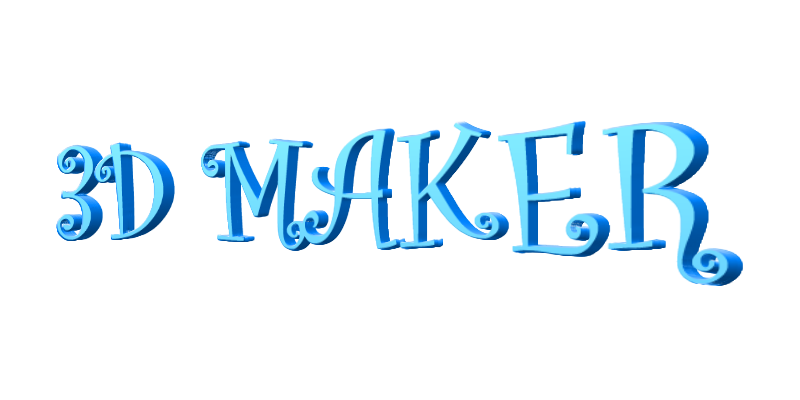
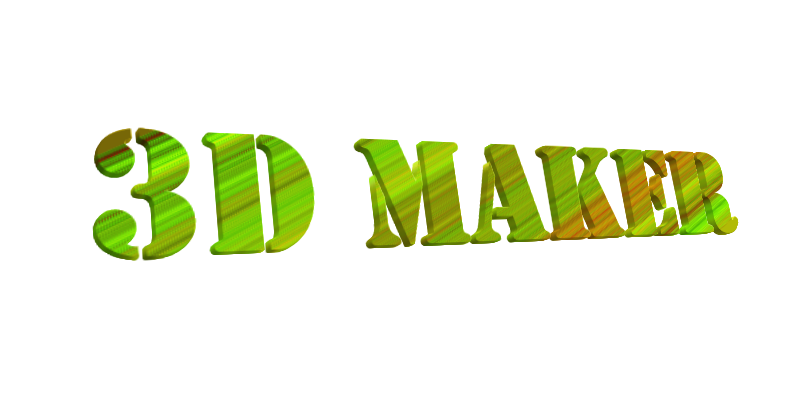
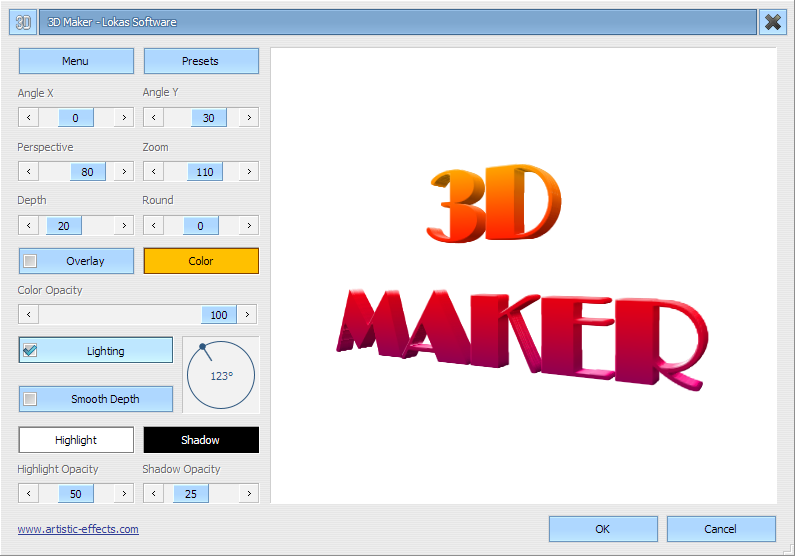
3D Maker allows creation of pseudo 3D graphical elements out of 2D drawings. Fully configurable X and Y angle controls as well as perspective depth control, shading and overlay modes constitute to exceptional freedom of transforming dull 2D to stunning three dimensional graphics.
All you have to do is add a touch of imagination and voila: you get the amazing visuals for your web site or promotional leaflet within seconds. Due to extensive use of advanced math models 3D Maker makes it as easy to implement your ideas as 1-2-3.
However, the situation has changed. Introducing 3D Maker, the unique Adobe Photoshop plug-in intended to add a completely new dimension to your artwork!
3D Maker allows creation of pseudo 3D graphical elements out of 2D drawings. Fully configurable X and Y angle controls as well as perspective depth control, shading and overlay modes constitute to exceptional freedom of transforming dull 2D to stunning three dimensional graphics.
All you have to do is add a touch of imagination and voila: you get the amazing visuals for your web site or promotional leaflet within seconds. Due to extensive use of advanced math models 3D Maker makes it as easy to implement your ideas as 1-2-3.
Work on - Windows; Work with - Adobe Photoshop, Corel PhotoPaint, Jasc PaintShopPro, Macromedia Fireworks MX;
Samples
| Image>3D Maker | Text>Plastic>3D Maker | Text>Aqua>3D Maker | ||
|---|---|---|---|---|
|
|
| ||
| Image>Drop>3D Maker | Image>Metal>3D Maker | Image>3D Maker | ||
|
|
| ||
Screenshot
Pricing
With Home license, you can use the program for non-commercial purposes
in non-business, non commercial environment. That is, you only intend to
use it at home for private use. To use the program in a business, academic,
or government environment, you should purchase a Business license.